


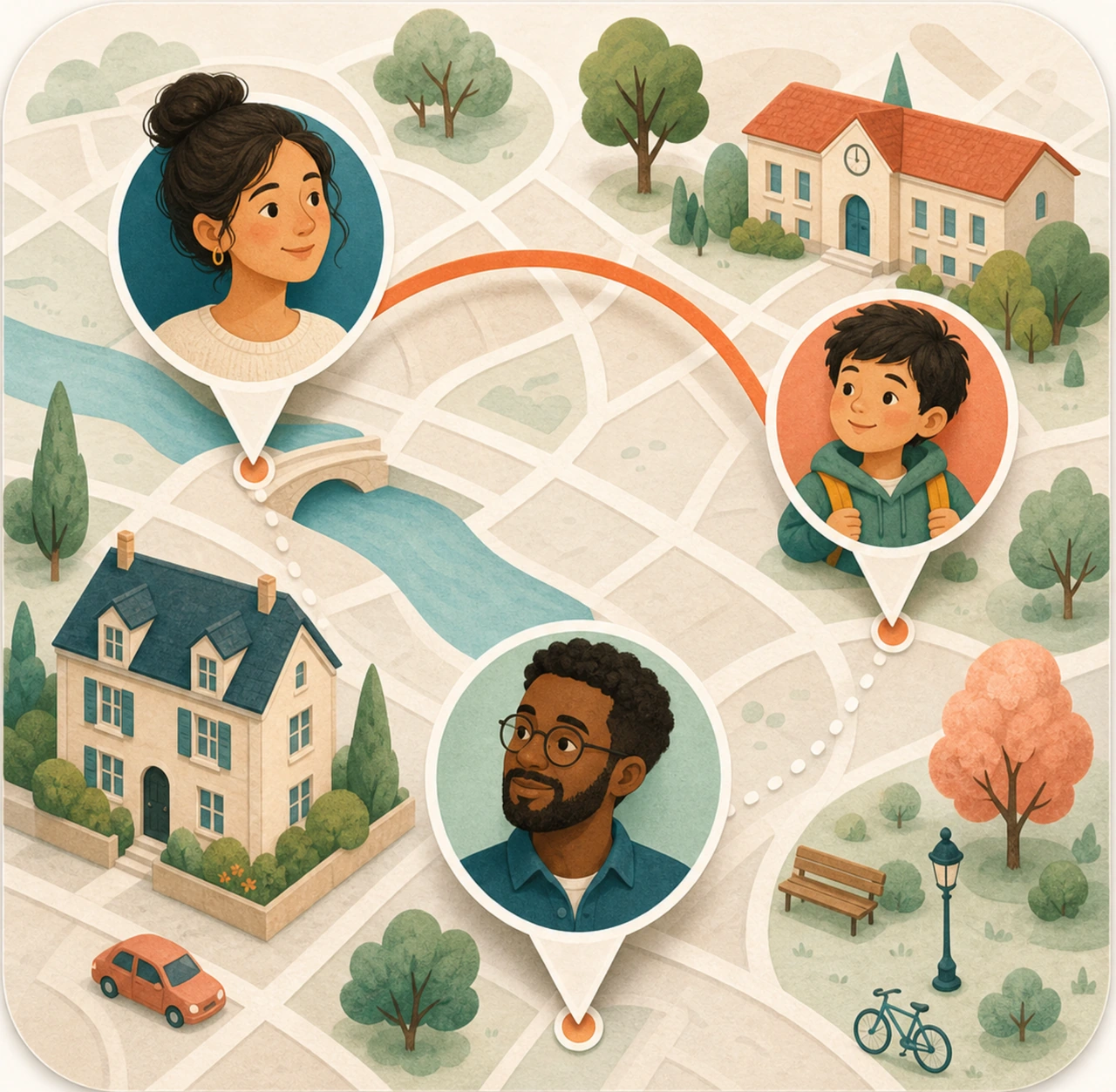
Familiar places
School. Home.
The in-between.
Choose the places that matter, and receive arrival or departure alerts.

The places you call yours
For your favorite people
From the school gate to the way home. Keep your family connected with a private map, little check-ins, and a way to ask for help.
Free to start · iPhone & iPad
The small things that matter
You don’t need to watch every step.
Just stay connected through the moments
that make up a family day.
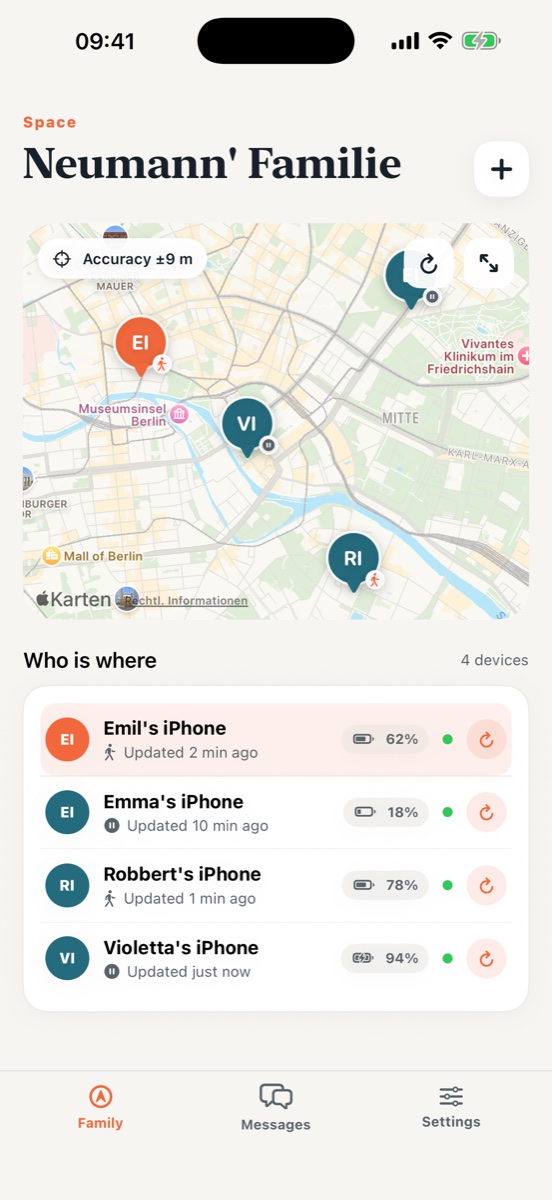
01 / Family map
See the last location each family member shared, without turning their day into a trail to follow.


Familiar places
Choose the places that matter, and receive arrival or departure alerts.
Live, with a purpose
Start a Live session when it matters. With Plus, schedule windows around your family’s routine.

A simple start
Sign in with Apple and create your family’s private space.
Invite a parent or child with a code. Complete the parental confirmation where required.
Set up location sharing, choose important places, and send your first check-in.

Closeness shouldn’t mean control
Location is personal. Sharing should be visible, intentional, and yours to switch off. That’s the idea behind Lomari.
Room for every family
A little extra convenience is optional.
Staying connected shouldn’t be.
The everyday essentials, for your family.
A little more ease, around your routine.
Everything in Free, plus:
After the 7-day trial, €39.99/year unless cancelled. Subscriptions renew automatically. Manage or cancel in your Apple ID settings at least 24 hours before renewal. Local prices and trial eligibility are shown by Apple before purchase. Terms · Privacy
Good questions
Still wondering about something?
There are real people on the other side.
The map shows the last shared location and when it was updated. Background updates depend on iOS, movement, permissions, connectivity and battery. Live sessions request more frequent updates, but neither timing nor accuracy is guaranteed.
Yes. Sharing is visible on the child’s device. They can see who can view their location and when it was requested. Sharing can be switched off on that device; parents cannot remotely grant iOS location permissions.
Lomari is available for iPhone and iPad. Each person who shares a location needs the app on their own supported device, with the appropriate permissions. Check the App Store for current device compatibility.
It sends an alert to your family and enables Live location for one hour. It does not contact emergency services. Delivery depends on device settings, iOS, push delivery, battery and the network. In immediate danger, call local emergency services first.
Yes. Location sharing, manual refresh, messaging, SOS, device status and a limited number of safe zones are free. Plus is optional and adds features such as scheduled Live windows, longer sessions and more zones.
Cancel Plus in your Apple ID subscription settings. To delete your Lomari account, use Settings in the app. Deleting the app or account does not automatically cancel an Apple subscription.
Let life happen
For the people who make anywhere feel like home.
Download on theApp StoreYour family space starts here.